What is bank account ownership verification?
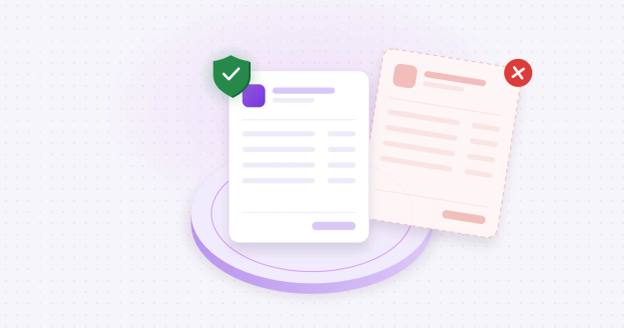
Bank account ownership verification confirms that a bank account you intend to pay belongs to the company or person you mean to pay. It checks the account holder's name against the name on the payment instruction, using data from the receiving bank or an independent source. It goes one step past bank account validation, which only confirms that the account number is real and able to receive payments.
In accounts payable, ownership verification answers one question before money moves: if we send this payment, will it land in our vendor's account, or in someone else's?
How is ownership verification different from account validation?
| Account validation | Ownership verification | |
|---|---|---|
| Question it answers | Is the account real, open and able to take payments? | Does the account belong to the named payee? |
| Typical result | Open, closed, invalid | Match, partial match, no match |
| Stops payments to closed or mistyped accounts | Yes | Yes |
| Stops payments to a fraudster's real account | No | Yes |
| Required by Nacha | For first-use WEB debits (since March 19, 2021) | Not required; Nacha notes some originators may choose it based on risk |
Nacha's WEB debit rule sets account validation as the minimum. It requires originators to confirm that an account is valid on first use, or when the account number changes. Its FAQ notes that some originators may find a stricter check that also confirms ownership appropriate (Nacha). Vendor payments are usually ACH credits or wires, so this rule doesn't cover them at all. That leaves ownership checks for vendor payments up to each company's own controls.
Since June 2026, Nacha's fraud monitoring rules also require every business that originates ACH payments, including credits to vendors, to have a risk-based process for spotting payments made under false pretenses. Nacha defines false pretenses to include business email compromise and vendor impersonation, and points to change controls on vendor payment instructions as one way to protect against them (Nacha, Fraud Monitoring Phase 2).
Why does it matter for vendor and ACH payments?
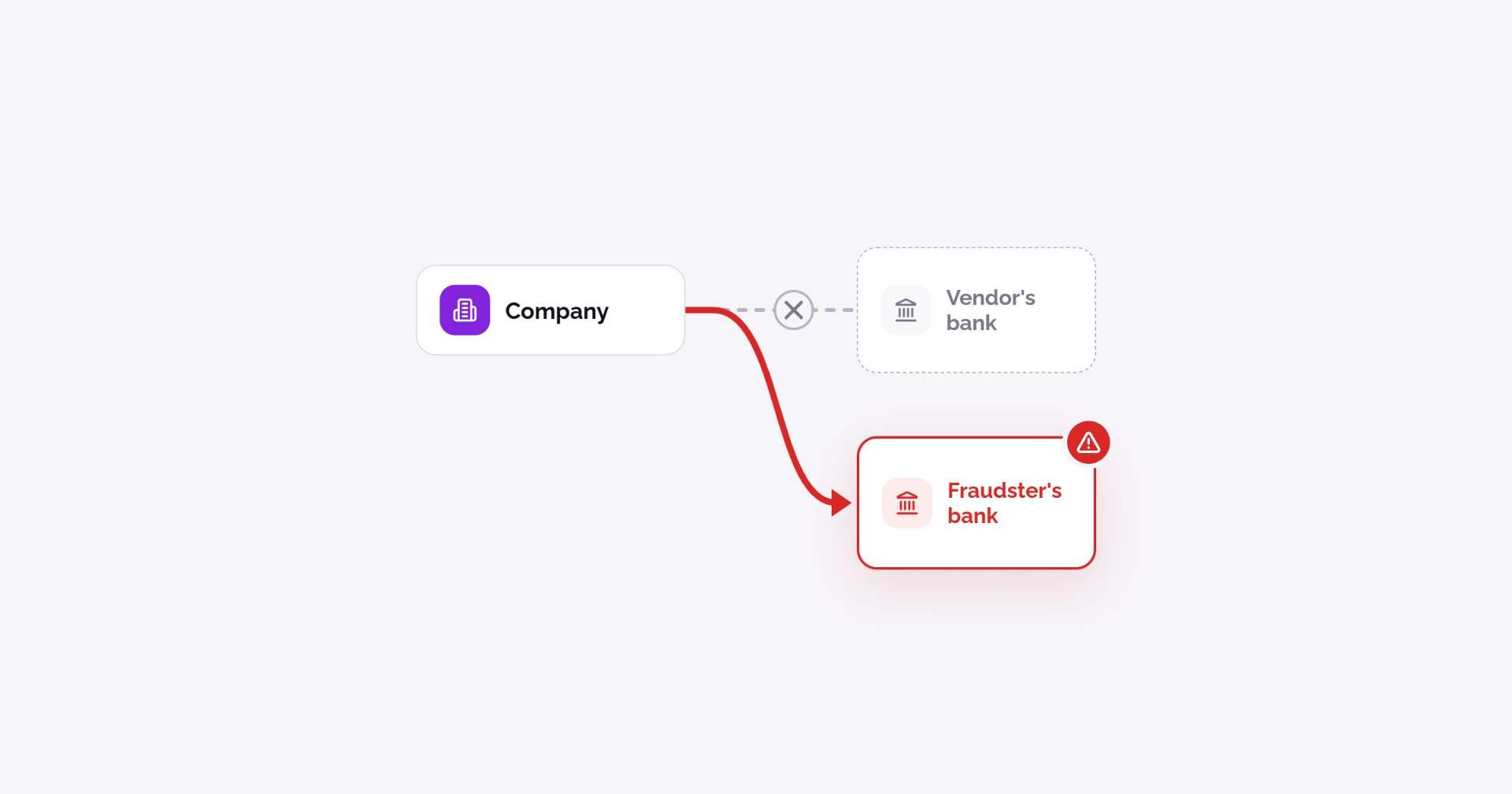
Vendors sometimes mistype their own bank details when they send them, which can cause confusion and send money to the wrong account. Criminals also trick companies into paying the wrong account, using compromised email accounts or lookalike domains. Read more in What is payment diversion fraud?
- $3.05 billion in business email compromise (BEC) losses were reported to the FBI in 2025, across 24,768 complaints (FBI IC3 2025 Internet Crime Report).
- 74% of US organizations were affected by BEC in 2025, and 76% faced attempted or actual payments fraud (AFP 2026 Payments Fraud and Control Survey).
- 30% of organizations saw fraud target ACH debits, and 25% saw it target wires (AFP, same survey).
We see the same pattern with the companies we work with. One excavation company came to Coffr after losing $45,000 on a single vendor payment. A hacker had taken over an AP employee's email account at a vendor the company was onboarding. The hacker watched the conversation, then sent fake bank details that looked like they came from the vendor, and the payment went straight to the criminal.
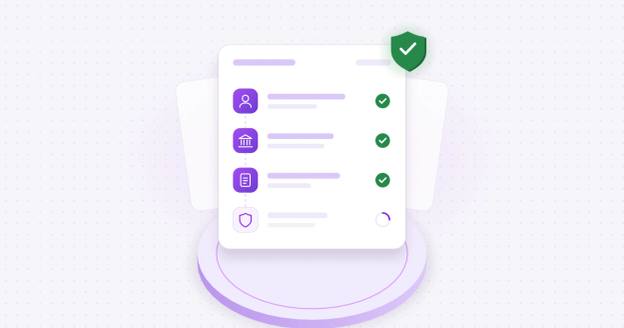
How do companies verify a vendor's bank account before paying them?
The best practice is to verify any time you receive bank details, whether from a new vendor or from an existing vendor changing its details. Both are moments when AP teams need to slow down before paying.
- Collect details through a secure channel. Don't accept bank details by email, PDF or phone alone. Use a vendor portal or a verification tool that the vendor submits to directly.
- Validate the account. Confirm the routing number is real and the account is open and can receive ACH or wire payments.
- Verify ownership. Match the account holder's name against the vendor's legal entity name, using data from the receiving bank or a verification service.
- Confirm the change out of band. Call the vendor on a trusted phone number already on file, never one from the request email. See out-of-band verification and callback verification.
- Send a small test payment and confirm it with your trusted contact. Ask your contact at the vendor, reached through a known channel, whether they see it arrive.
- Hold on a mismatch. A "no match" should put your team on high alert. Pause all payments to that account until someone resolves it.
- Log the result. Record what was checked, when and by whom, and keep it in your vendor master data for the next change request.
FinCEN advises businesses to verify emailed payment instructions "by using multiple means of communication," because these payments are "often irrevocable" once sent (FinCEN Advisory FIN-2019-A005).
Coffr handles steps 1 to 3 for you. See how Coffr verifies bank account ownership below.
What methods confirm a bank account belongs to a specific company?
Most common methods don't actually confirm who owns the account.
| Method | What it confirms | Confirms owner name? | Speed | Main weakness |
|---|---|---|---|---|
| Voided check or bank letter | What the document says | No | Days | Easy to forge or alter |
| Prenote (zero-dollar ACH entry) | Account number is valid and open | No | 1 to 3 business days | Says nothing about who owns it |
| Micro-deposits | Someone can see deposits into the account | No | 1 to 3 business days | Proves access to the account's activity, not the owner's legal name |
| Account status services | Account is open and in good standing | Sometimes | Seconds | Ownership match not always returned |
| Bank-data ownership match | Holder name matches the payee | Yes | Seconds | Coverage varies by bank |
| Payee bank login (instant authentication) | Payee can sign in to the account | Yes | Minutes | Needs the vendor to take part |
| Callback to a known number | The person requesting the change is real | No (verifies a person) | Same day | Doesn't check the account itself |
The strongest processes combine a bank-data ownership match with an out-of-band callback for any change. Prenotes and micro-deposits are among the methods Nacha lists for account validation, but neither proves who owns the account (Nacha, Supplementing Fraud Detection Standards for WEB Debits).
Which approach should you use to verify ownership?
There are three ways to verify vendor bank accounts. The right one depends on your payment volume and whether you want to build or buy.
| Approach | Examples | What it checks | Who does the work | Best for |
|---|---|---|---|---|
| In-house checks | Callbacks to a known number, voided checks, bank letters | The person or a document, not the account | AP staff, by hand | Low volume, or as a backup control |
| Verification data services | GIACT (LSEG), Early Warning | Account status, and often an owner name match | Your developers, through an API | Companies building verification into their own software |
| Vendor verification platforms | Coffr, Trustpair, PaymentWorks, Eftsure | The account plus the vendor's identity or contacts, with an audit trail (varies by platform) | The vendor completes it; AP reviews the result | AP teams that want verification without building it |
How does Coffr verify bank account ownership?
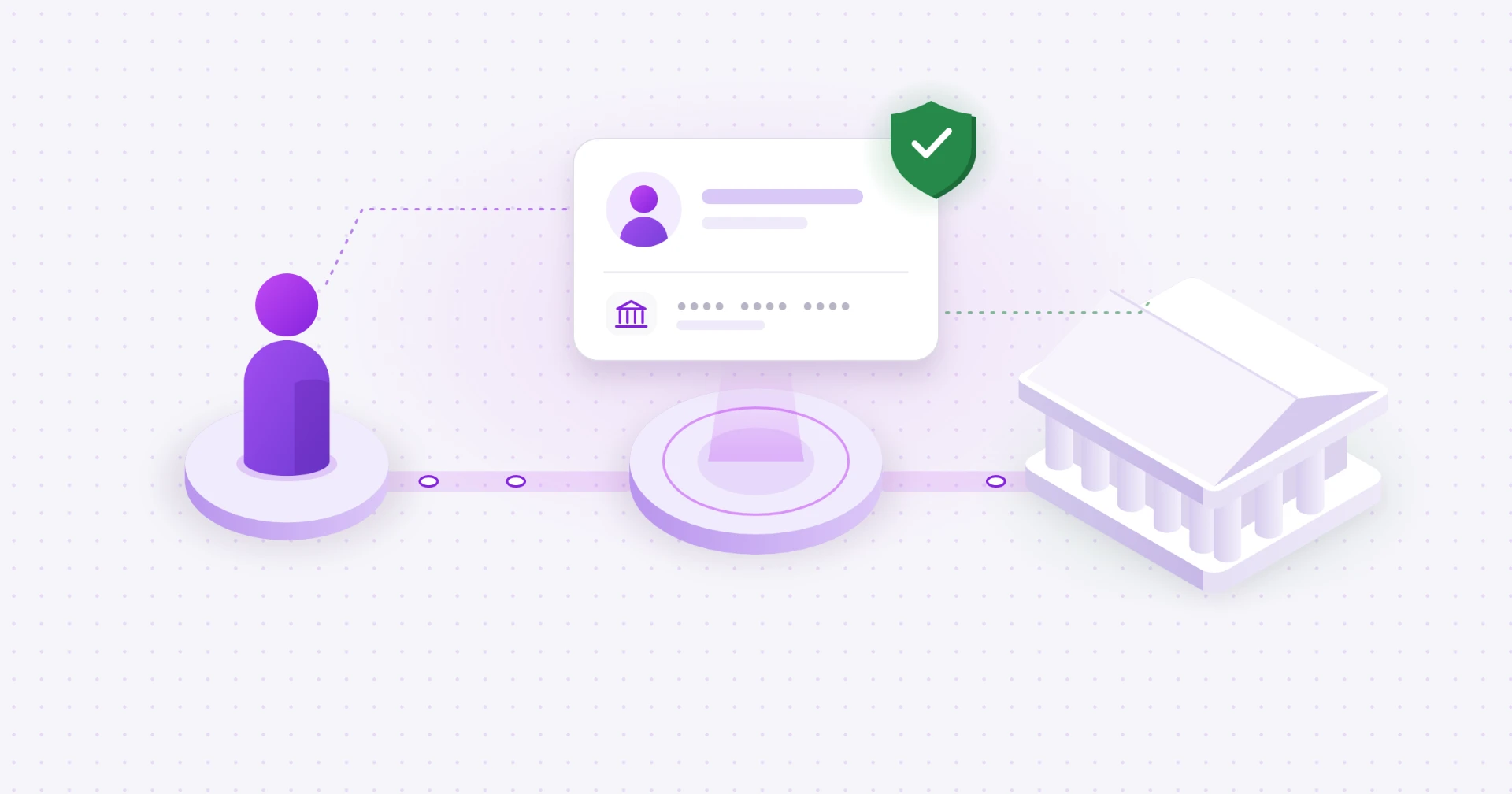
Coffr verifies a bank account before its details can be shared for payment, using a bank login or a micro-deposit, with checks around both.
| Step | What Coffr does | What it stops |
|---|---|---|
| Routing number check | Looks up the 9-digit routing number as it's typed, shows the bank's name and logo, and checks which payment rails the bank supports | Typos and fake routing numbers |
| Instant bank login | The account holder signs in to their bank through a secure connection. The bank sends the account and routing numbers directly, and the account is marked Verified right away | Mistyped or made-up numbers, and anyone who can't sign in to the account |
| Micro-deposit verification | For anyone who can't use bank login: one deposit of a random amount between $0.01 and $5.00, sent by real-time payment where the bank supports it, otherwise same-day or standard ACH. The holder confirms the exact amount, with 3 tries in 7 days | Anyone who can't see the account's activity |
| Bank detail requests | A company sends a "request bank details" link. The recipient verifies by bank login or micro-deposit without signing up, and passes an SMS code first if the request is tied to their phone number | Bank details sent by email or PDF |
| 365-day expiry | Verification lasts one year. Coffr sends reminders and the account holder re-verifies | Old details staying "trusted" indefinitely |
| Tamper-evident record | Each verification is anchored on an immutable blockchain ledger as an encrypted fingerprint, with no account numbers on-chain, and written to Coffr's audit log | Changes to verified details going unnoticed |
The bank login is the strongest check here, because the account holder has to sign in to the bank and the numbers come from the bank itself. Micro-deposits prove the person can see the account's activity, which is why the routing check and audit record matter for that path.
Because Coffr verifies a vendor's bank details before they reach your AP team, you won't receive mistyped details or an account the vendor can't access.
See how Coffr verifies vendor bank details before you pay. Book a demo.
How does verification prevent human error in bank details?
Some bad payments are just mistakes: a mistyped digit, two swapped numbers, or an account number copied from the wrong line of a PDF. Every time bank details are retyped, from a vendor form to an email to the ERP, there's another chance for one.
Coffr takes the retyping out. Bank login pulls the numbers straight from the bank, so nothing is typed. With micro-deposits, a wrong number means the deposit never shows up, so verification can't finish. The routing number is checked as it's entered, and because the vendor enters their own details once, nobody on your team retypes them from an email or PDF.
By using Coffr, the correct bank details are shipped to your ERP without any chance of human error.
What happens if a company pays a vendor without verifying account ownership?
The payment usually can't be pulled back. Once a fraudster's account receives an ACH credit or wire, the money is often moved out within hours.
The first cost is the money. The payment is gone, and any recovery depends on how fast the bank and the FBI's Recovery Asset Team are told. The real vendor still hasn't been paid, so the invoice usually gets paid twice. And until someone notices the changed bank record, every future payment to that vendor goes to the same wrong account.
The fallout lasts longer. Some crime insurance policies only cover social engineering losses if the company followed set verification steps, such as a callback or an independent check of vendor bank changes, and the insurer may deny the claim if it didn't (Ward and Smith, July 2026; Gallagher). Meanwhile, late payments to the real vendor strain the relationship while the loss gets sorted out.
"Verifying who owns an account is one of the most important ways to secure your business's payments. Companies are trying to move fast, and one overlooked email asking to change bank details can cost you significantly. Criminals are always looking for that moment of weakness, so protecting your AP team from it is one of the best things a company can do."
James Pickren, Operations Coordinator, Coffr
Have another question? See more payment fraud questions.
Sources
- FBI IC3 2025 Internet Crime Report
- AFP 2026 Payments Fraud and Control Survey
- Nacha, Supplementing Fraud Detection Standards for WEB Debits
- Nacha, Fraud Monitoring Phase 2
- FinCEN Advisory FIN-2019-A005
- Ward and Smith, "Social Engineering Fraud and Your Crime Policy," July 2026
- Gallagher, "The Coming of Age of Crime Insurance: Social Engineering"
Frequently asked questions
Collect the details through a secure channel, confirm the account is open, then match the account holder's name to the vendor's legal name. Confirm any bank detail change by calling a phone number already on file.
Use an ownership match based on data from the receiving bank, or have the vendor sign in to their own bank. A voided check or emailed letter can be forged, and micro-deposits prove access to the account, not the owner's legal name.
Most use a verification service that returns an ownership match on the account holder's name.
No. Validation confirms the account exists, and ownership verification confirms it belongs to the payee you mean to pay.
Before the first payment, and again every time the vendor's bank details change.
Hold the payment and contact the vendor through a known channel. A mismatch can be fraud, or a legitimate trading name or subsidiary account.
It takes retyping out of the process. A bank login pulls the numbers directly from the bank, and a micro-deposit can only be confirmed if the numbers entered reach the right account. Either way, a typo can't pass verification.
About the author

Operations Coordinator at Coffr
James Pickren covers payment fraud for Coffr, researching real fraud cases and working with finance teams on how they verify vendor payments.
LinkedInHow we research and correct our work: editorial standards · all questions answered