What is the vendor onboarding process?
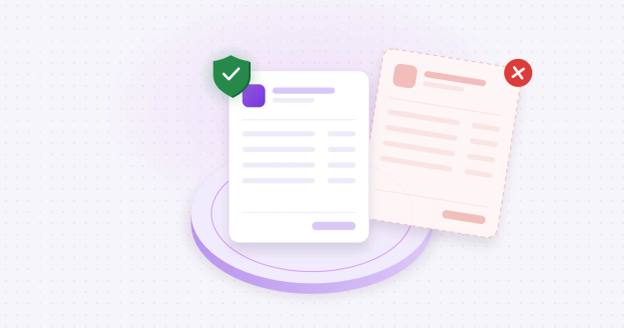
The vendor onboarding process (also called supplier onboarding) is how a company sets up a new supplier before paying them. It covers collecting the vendor's business, tax and bank details, confirming the vendor is real, checking that the bank account belongs to the vendor, getting approval, and adding the vendor to the payment system. Done well, it stops fraud before the first invoice is paid.
This guide walks through the vendor onboarding steps in order, gives you a copyable vendor onboarding checklist right after them, and covers the mistakes that let fraud in.
What are the vendor onboarding steps?
Run every vendor through the same nine vendor onboarding steps to keep an auditable trail and make everything consistent within your organization. Whether you're onboarding a $5 million contractor or a $500 supplier, these steps keep everything moving smoothly and safely.
1. Initial request
Someone inside your company asks to add a vendor or supplier, explains business need and approximate budget. Record who asked and when.
2. Collect vendor information
Send a standard vendor information form for the vendor to fill out. Record what email you send the form to.
| Information | Why you need it | How to confirm it |
|---|---|---|
| Legal business name and any DBA | Must match the tax ID and the bank account holder | State business registration lookup |
| Tax ID (EIN) on a signed Form W-9 | Required for 1099 reporting | Match the name and EIN against IRS records |
| Business address and phone | Needed for contracts and callbacks | Compare with public listings, not the vendor's email signature |
| Primary contact and AP contact | Who you'll call to confirm changes | Verify the person works for the vendor |
| Payment terms and method | ACH, wire or check, and when | Agree in the contract |
| Insurance certificates and licenses (if needed) | Required for some contractors | Check expiry dates |
3. Collect the bank details through a secure channel
If you have a secure channel, such as a vendor portal or verification tool, have the vendor enter their bank details there so the numbers come straight from the account holder. If you don't, treat bank details that arrive by email, PDF or phone as unverified until you confirm them with the vendor by calling a number you found yourself, and still verify the account itself in step 6. The initial transfer of bank details is often the most dangerous part of vendor onboarding, so be careful.
4. Verify the business
Vendor verification starts with the business. Confirm the company is registered in its state and that its legal name and EIN match IRS records. A mismatch can be a typo or a sign the vendor isn't who it claims to be.
5. Verify the people
Confirm your contact is real and works for the vendor. Call the vendor on a public number listing, never one from an email. Watch for signs of vendor impersonation: a lookalike email domain, a bank in a different state from the vendor, or pressure to pay before all checks are completed.
6. Verify the bank account
Confirm the account is open and that it belongs to the vendor. This is the step fraudsters target. A valid routing and account number only proves the account exists, not that it's your vendor's. See bank account validation and what bank account ownership verification is for the difference.
7. Get an independent approval
Have someone in a senior role approve the request, separate from the initial requester. This is segregation of duties: no single person should be able to request, enter and approve a vendor alone.
- Requester: the department that needs the vendor. Can't approve it.
- AP specialist: collects information and runs the checks. Can't approve their own work.
- Approver: an AP manager or controller reviews the checks and signs off.
- High-value or high-risk vendors: add a second approver, such as the CFO, above a dollar limit you set.
Since June 2026, Nacha's fraud monitoring rules require every business that sends ACH payments to have a risk-based process for spotting payments made under false pretenses, including vendor impersonation. Nacha points to change controls on vendor payment instructions as one way to protect against them (Nacha, Fraud Monitoring Phase 2).
8. Set up a vendor master file
The vendor master file is the record your payment system uses to pay each vendor. Only verified details should go in, and only a few people should be able to change them. See vendor master data for more. Each record should hold:
- Legal name, DBA, tax ID and W-9 on file
- Address, phone and verified contacts
- Verified bank details, with the date and method of verification
- Payment terms and approved payment methods
- Who approved the vendor, and when
- A change history showing every edit, who made it and who approved it
9. Log it and schedule re-verification
Record what was checked, when and by whom. Re-verify each vendor at least once a year and whenever its address or contacts change, and treat any request to change bank details like a brand-new vendor: same checks, same second approval. Review the master file yearly and block vendors you haven't paid in 12 to 18 months, since dormant records are an easy target.
Vendor onboarding checklist
Copy this vendor onboarding checklist into your AP procedures and run it for every new vendor and every bank detail change.
Before you start
- Internal request received, with business need and expected spend
- Requester is not the approver
Collect
- Legal name and DBA
- Signed W-9 with EIN
- Address and phone confirmed against a public listing
- Primary and AP contacts named
- Bank details submitted through a secure channel, or confirmed by callback to a known number if they came by email, PDF or phone
Verify
- Business registration confirmed
- Legal name and EIN match IRS records
- Contact identity verified and confirmed by callback to a known number
- Bank account confirmed open
- Bank account confirmed to belong to the vendor (an ownership match or bank login, or a micro-deposit confirmed with your known contact)
- Any mismatch resolved before moving on
Approve and set up
- Independent approver signed off (second approver above your dollar limit)
- Verified details entered once into the vendor master file
- Edit rights to bank details limited
- Verification method, date and approver logged
After setup
- Bank detail changes run through this same checklist
- Vendor re-verified at least once a year
- Dormant vendors reviewed and blocked
How long should vendor onboarding take?
Most of the time, how fast onboarding goes is up to the vendor. The checks themselves move quickly when you run them in an orderly flow.
- Bank account verification: minutes with a bank login. Micro-deposits can arrive the same day by real-time payment, or take 1 to 2 business days by ACH.
- Business and tax ID checks: usually the same day.
- Approval: same day, if the approver has everything in one place.
- Chasing missing documents: the real delay, often days, when information comes in piece by piece over email.
If onboarding regularly takes weeks, the fix is usually one standard form and one clear way for the vendor to submit everything, not fewer checks. A rush request to skip verification for a "new vendor who needs paying today" is itself a warning sign.
Done right, vendor onboarding can take a day or two, but never let urgency make you skip checks in your process.
Where does vendor onboarding go wrong?
Vendor onboarding often goes wrong when you least expect it. A trusted vendor changes their bank details, and you forget to call them to confirm. Or a new vendor has a good website and a normal-seeming email, and all of a sudden you've sent a payment to a criminal.
- Trusting bank details sent by email. A compromised vendor inbox looks exactly like the real vendor. Confirm emailed details by calling a number you found yourself.
- Calling the number in the email. If the email is fake, so is the phone number. Call a number you found yourself.
- Checking that the account exists, not who owns it. A fraudster's account is real and open. It just isn't your vendor's.
- Letting one person do everything. The same person requests, enters and approves the vendor.
- Rushing "urgent" vendors. Pressure to skip checks is a common tactic, not a reason.
- Treating changes as routine. A bank detail change on an existing vendor gets less scrutiny than a new vendor, so fraudsters prefer it.
- Never re-checking. Bank details verified two years ago may not be valid today.
Internal fraud matters too. In the United States and Canada, billing schemes showed up in 25% of occupational fraud cases, second only to corruption. In a billing scheme, an employee gets the company to pay fake or inflated invoices, for example by creating a shell company and billing for work never done. The typical occupational fraud in the region cost $110,000 (ACFE, Occupational Fraud 2026: A Report to the Nations, p. 96). Independent approval and a locked vendor master file make these schemes much harder to pull off.
Onboarding is one of the moments fraudsters strike, because a new vendor is expected to send bank details and nobody knows what "normal" looks like yet. Business email compromise, the scam behind many fake bank change requests, affected 74% of US organizations in 2025 (AFP 2026 Payments Fraud and Control Survey).
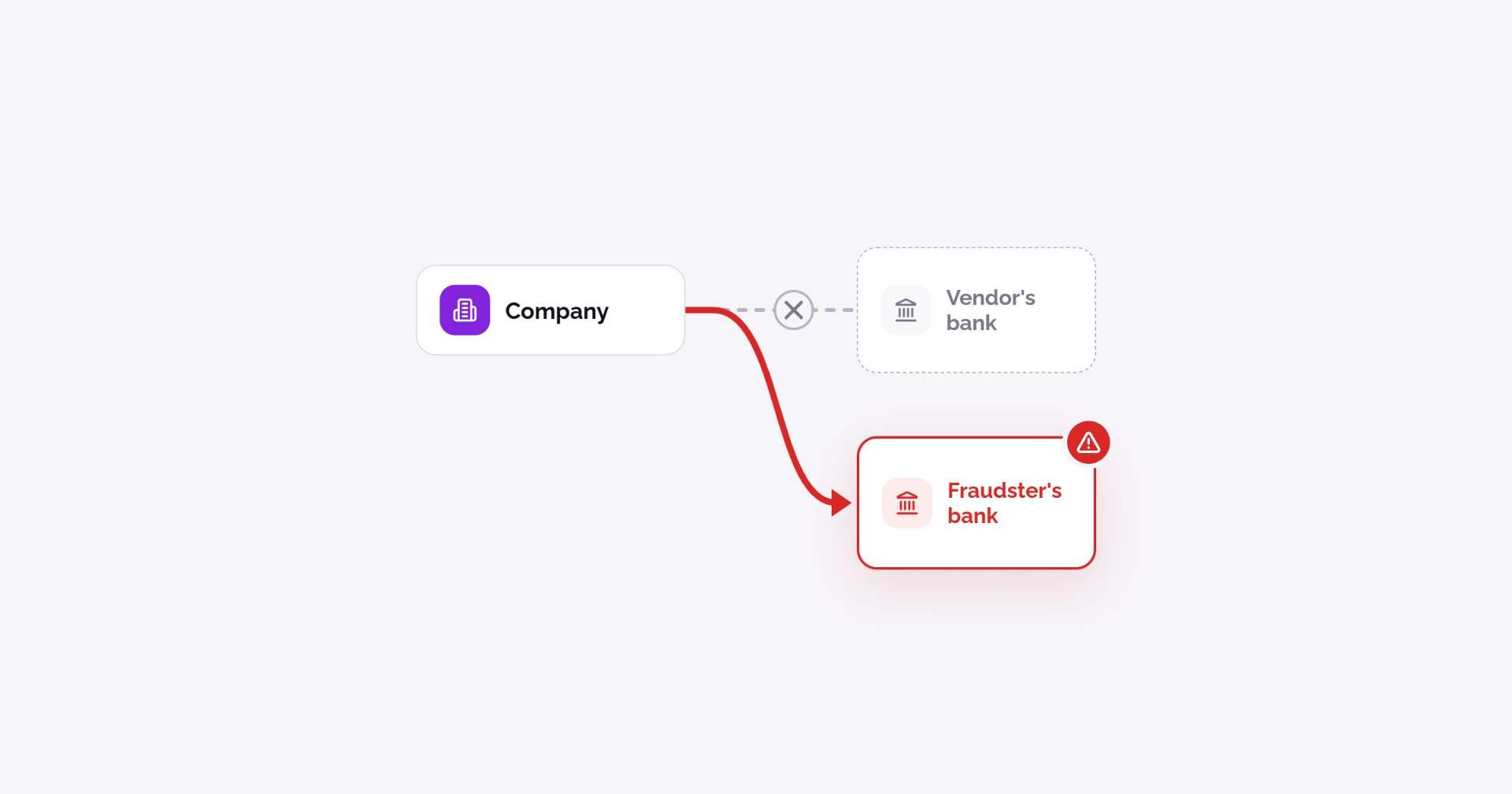
FinCEN warns that attackers "use authentic-looking payment requests to direct funds to domestic bank accounts they control," and that these payments are "often irrevocable" (FinCEN Advisory FIN-2019-A005). Read how this plays out in What is payment diversion fraud?
How does Coffr fit into vendor onboarding?
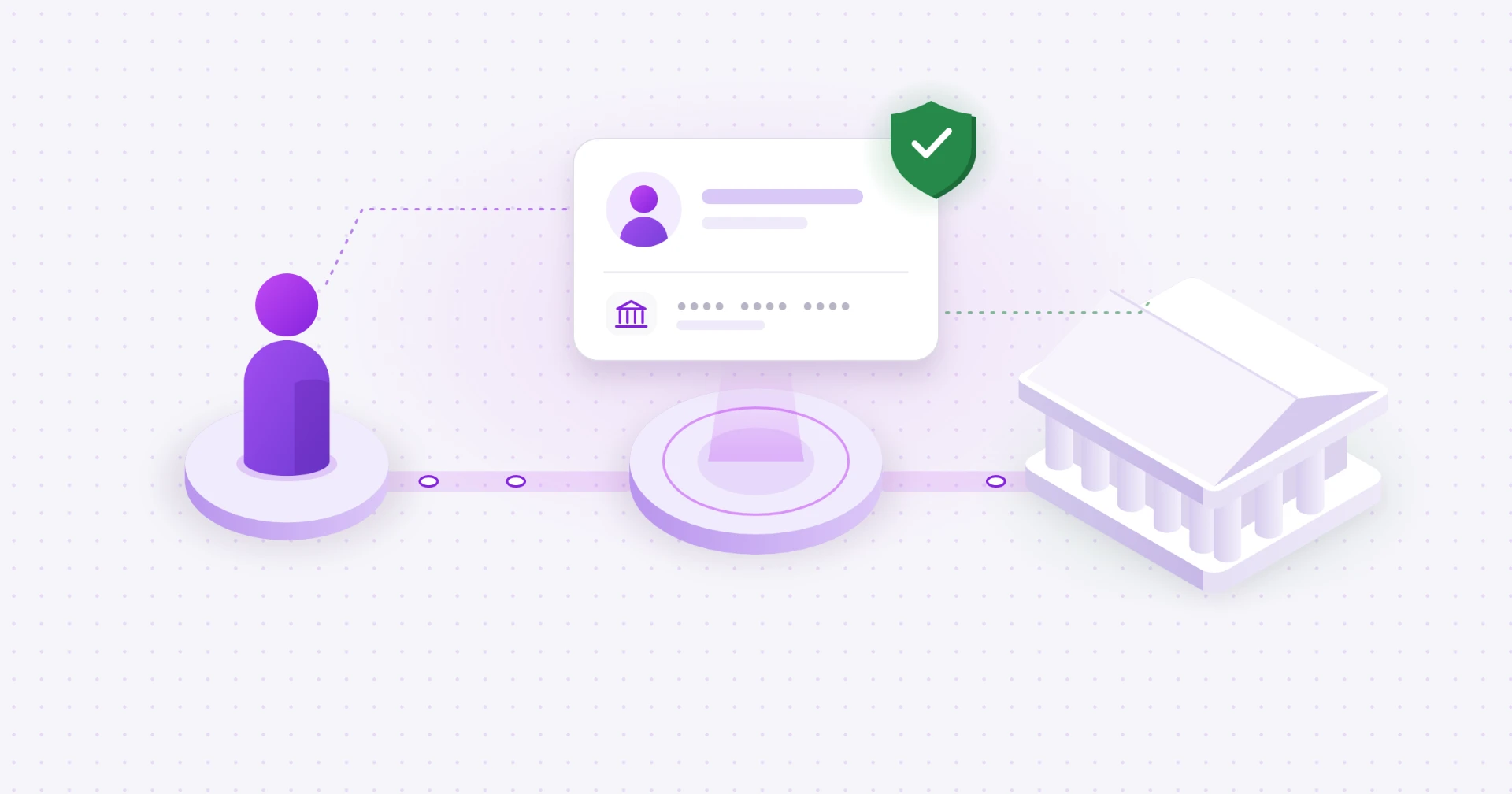
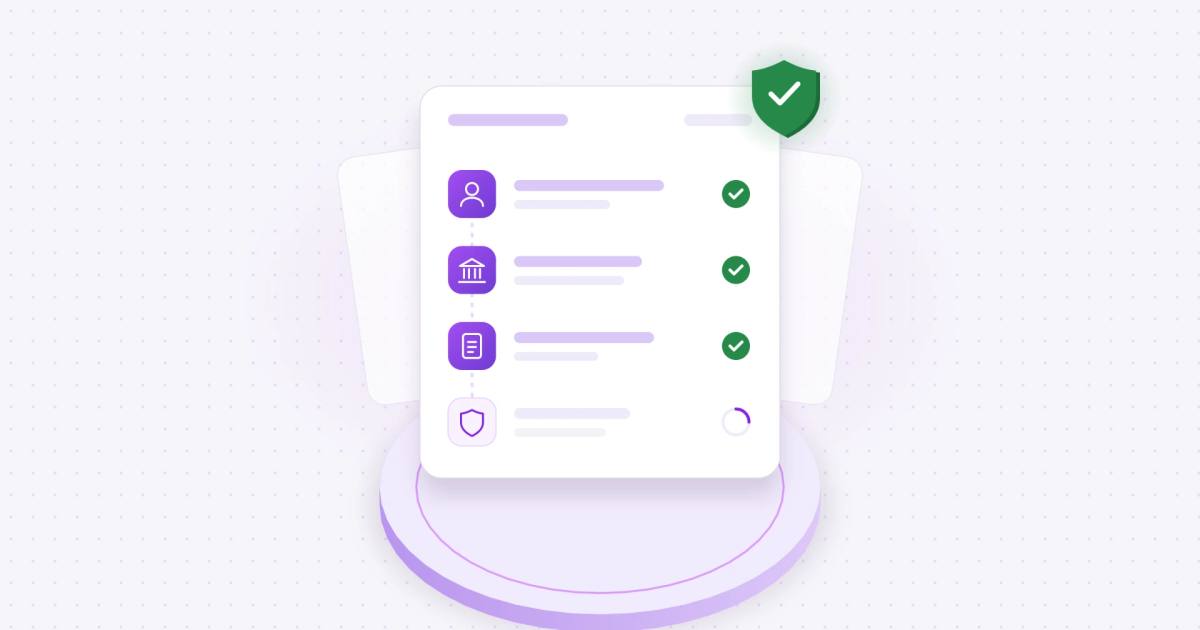
Coffr handles steps 3, 5 and 6 for you. The vendor shares bank details through Coffr's secure channel instead of email or PDF. Coffr then verifies the person with identity and contact checks and verifies the account by bank login or micro-deposit, before anyone on your team sees the details. Each verification is recorded on an immutable ledger, so you have a record for audits and for the next change request.
See how Coffr verifies vendor bank details before you pay. Book a demo.
Sources
- AFP 2026 Payments Fraud and Control Survey
- FinCEN Advisory FIN-2019-A005
- Nacha, Fraud Monitoring Phase 2
- IRS, About Form W-9
- ACFE, Occupational Fraud 2026: A Report to the Nations, United States and Canada regional focus, p. 96
Frequently asked questions
At minimum a signed W-9, the vendor's legal name and address, contact details and verified bank details. Some contractors also need insurance certificates or licenses.
Ideally not. Email is easy to fake or take over, and business email compromise affected 74% of US organizations in 2025. If you have a secure portal or verification tool, use it. If you don't, treat emailed bank details as unverified until you confirm them by phone on a number you found yourself.
Confirm the business is registered, match its legal name and EIN against IRS records, verify your contact by calling a number you found yourself, and confirm the bank account belongs to the vendor.
Onboarding is the one-time setup of a new vendor. Vendor management is everything after: performance, contracts, renewals and keeping details current.
At least once a year, and every time a vendor changes its bank details, address or contacts.
A vendor setup form, or vendor information form, collects a new vendor's legal name, tax ID, address, contacts and payment terms. Keep bank details off the form and collect them separately: through a secure channel if you have one, or confirmed by callback to a known number if not.
Not always. A small team can run this checklist by hand. As volume grows, vendor onboarding software or a verification tool saves time and takes email out of the process, which closes the easiest way for fake bank details to get in.
About the author

Operations Coordinator at Coffr
James Pickren covers payment fraud for Coffr, researching real fraud cases and working with finance teams on how they verify vendor payments.
LinkedInHow we research and correct our work: editorial standards · all questions answered